


MACOS CLIENT
CyberFly Mac Tutorial
Download → install → connect · ~5 minutes
1Before you install
Uninstall other VPN / proxy apps first.
⚠️ Read carefully — wrong setup may fail or slow the connection.
2Download
3Install
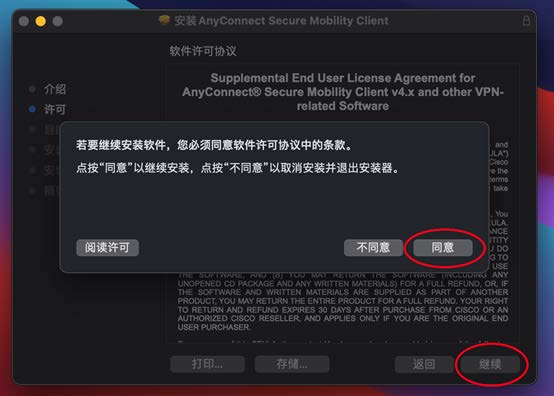
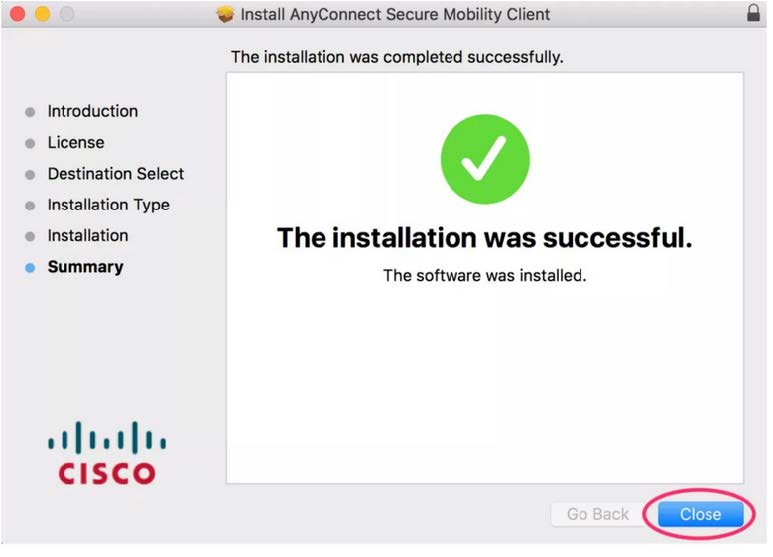
Open the DMG and follow the prompts:
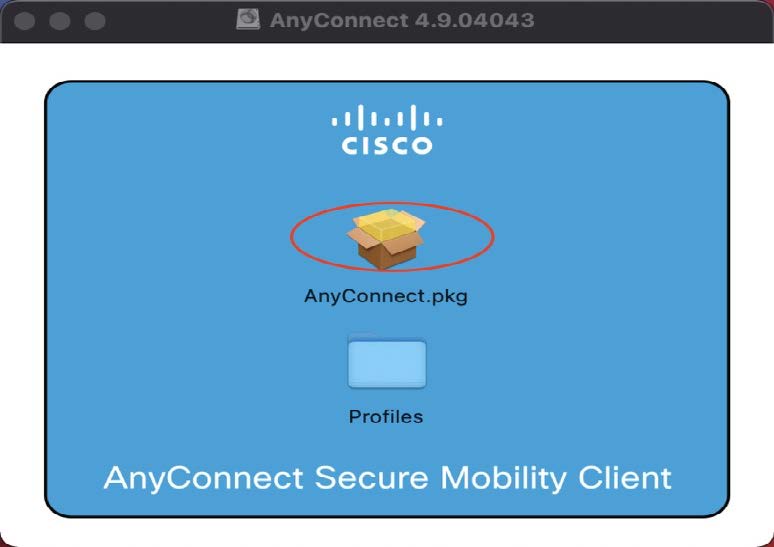
⚠️ Grant all permissions or the app may not work.
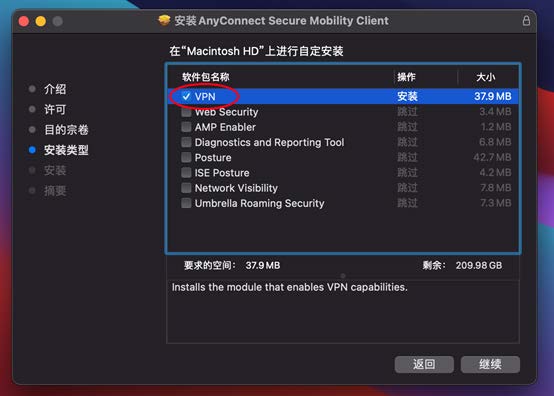
⚠️ Select only the first option. If you ticked others, uninstall and reinstall.
4Import nodes
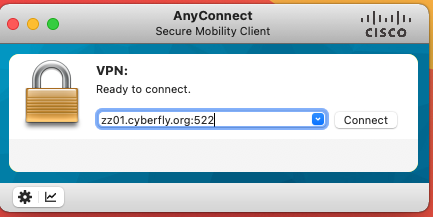
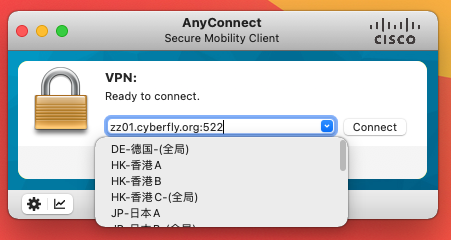
Server: zz01.cyberfly.org:522 → Connect → email + AnyConnect password → Accept.
Tips
✔ Grant all permissions
✔ Only tick the first install option
✔ Server includes :522
✔ download.cyberfly.org for more builds