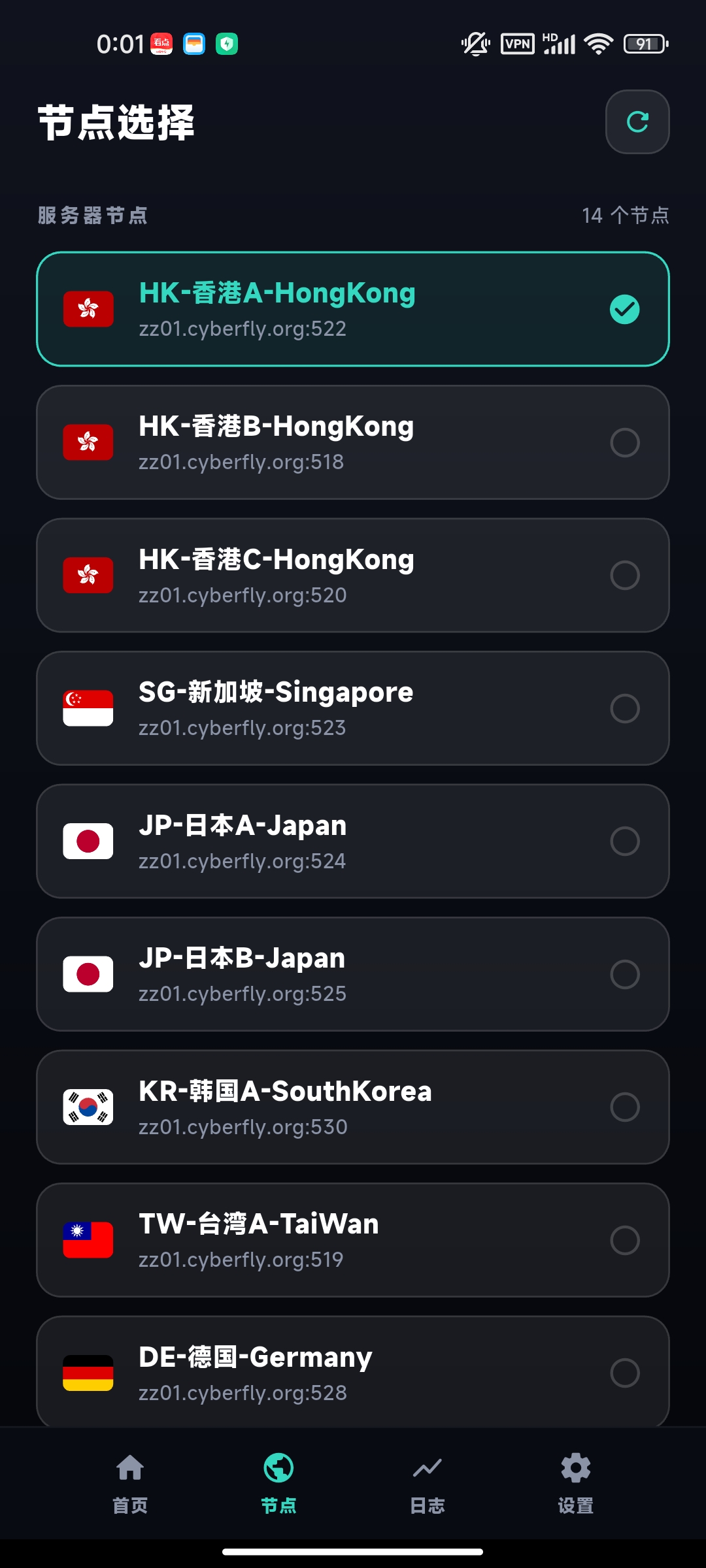


Please uninstall other similar apps before installation to avoid compatibility issues. This tutorial applies to HarmonyOS (below 5.0) and other Android devices.
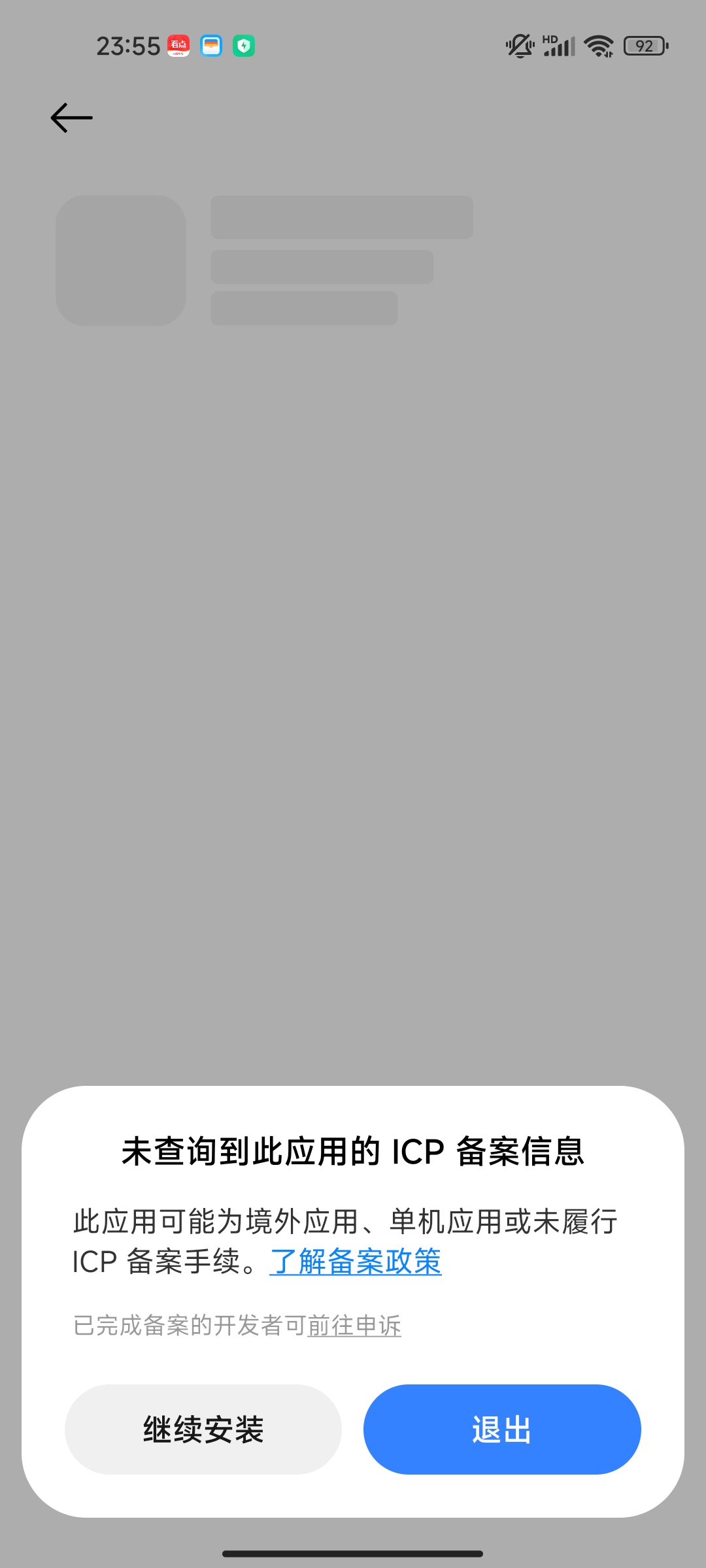
Tap the downloaded APK file and follow the on-screen prompts. If the system warns about installing apps from unknown sources, please allow it and try again.
The following prompt may appear during installation — this is normal:
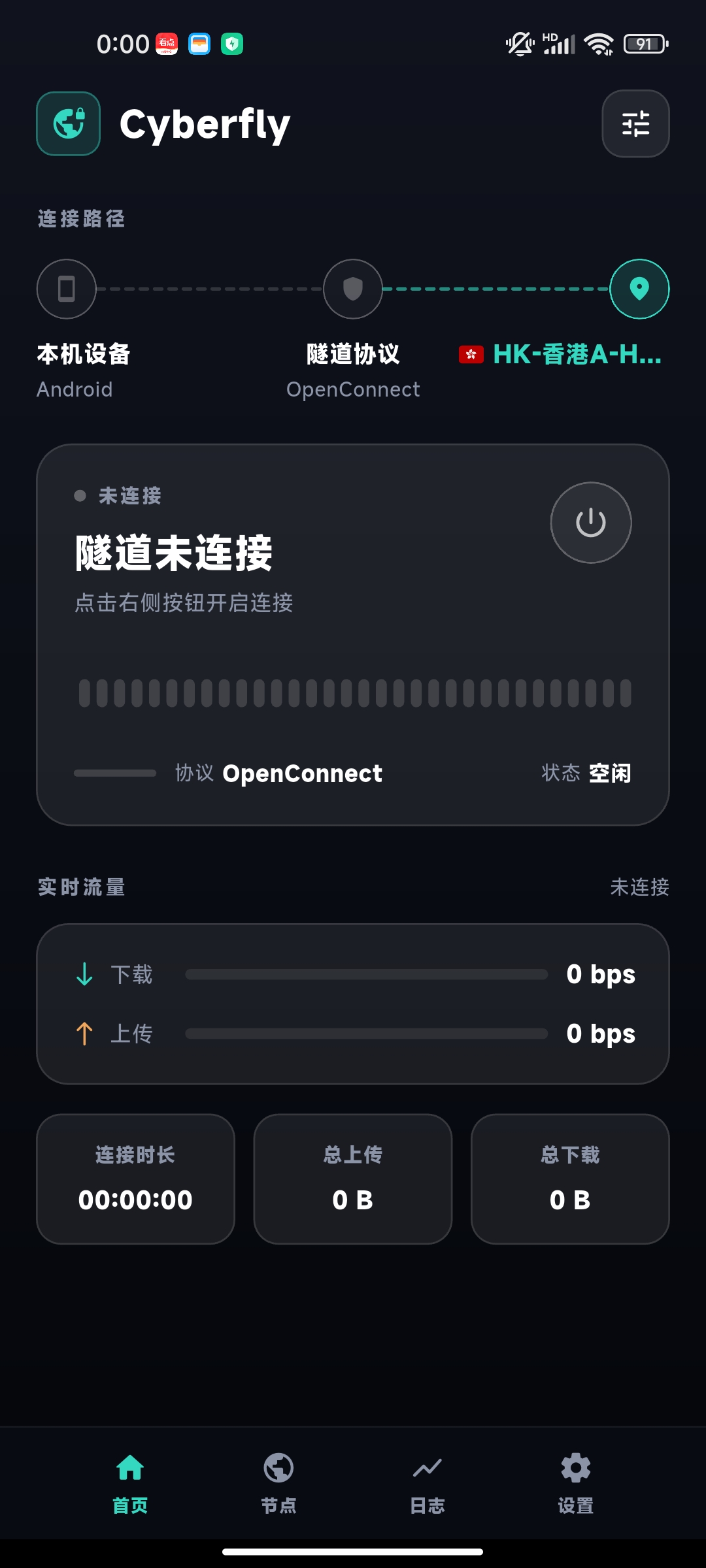
Open the app after installation. The home screen looks like this:
Tap "Settings" in the bottom navigation bar, then tap "Username" and "Password" to configure them:
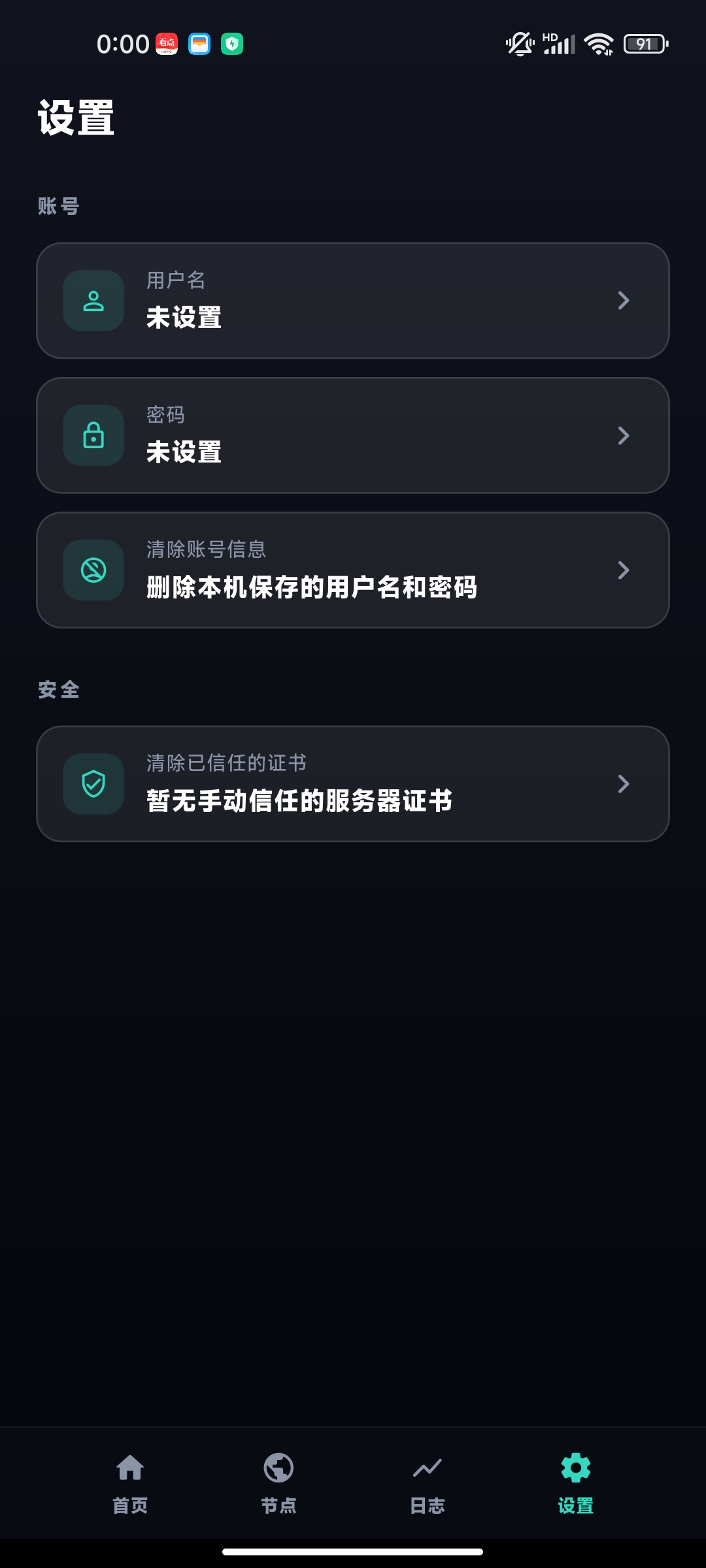
Username: the email address you use to log in to the official website (your AnyConnect account).
Password: the password you entered at the time of purchase. If you are not sure, check it on the website under Product Details.
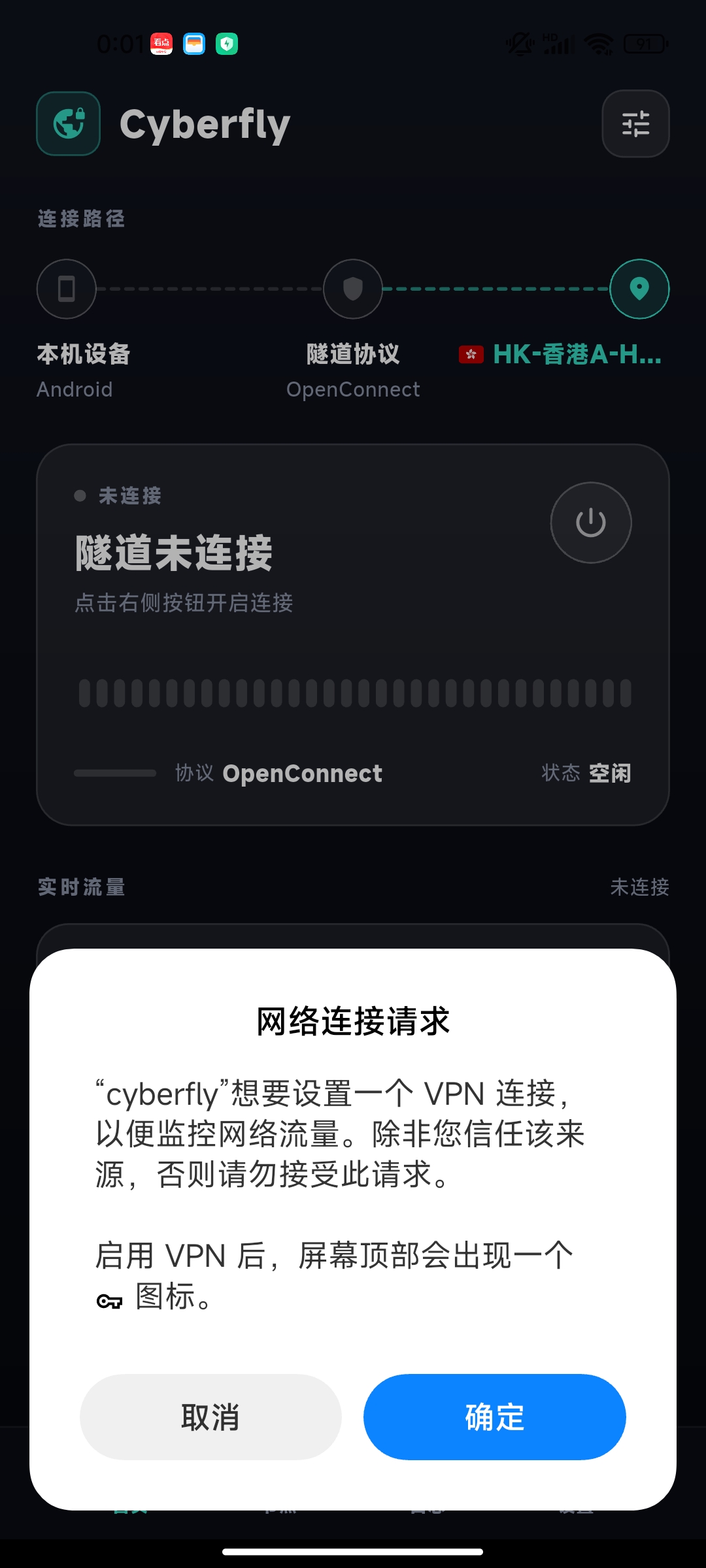
Return to the home screen and tap the power button on the connection card to start connecting:
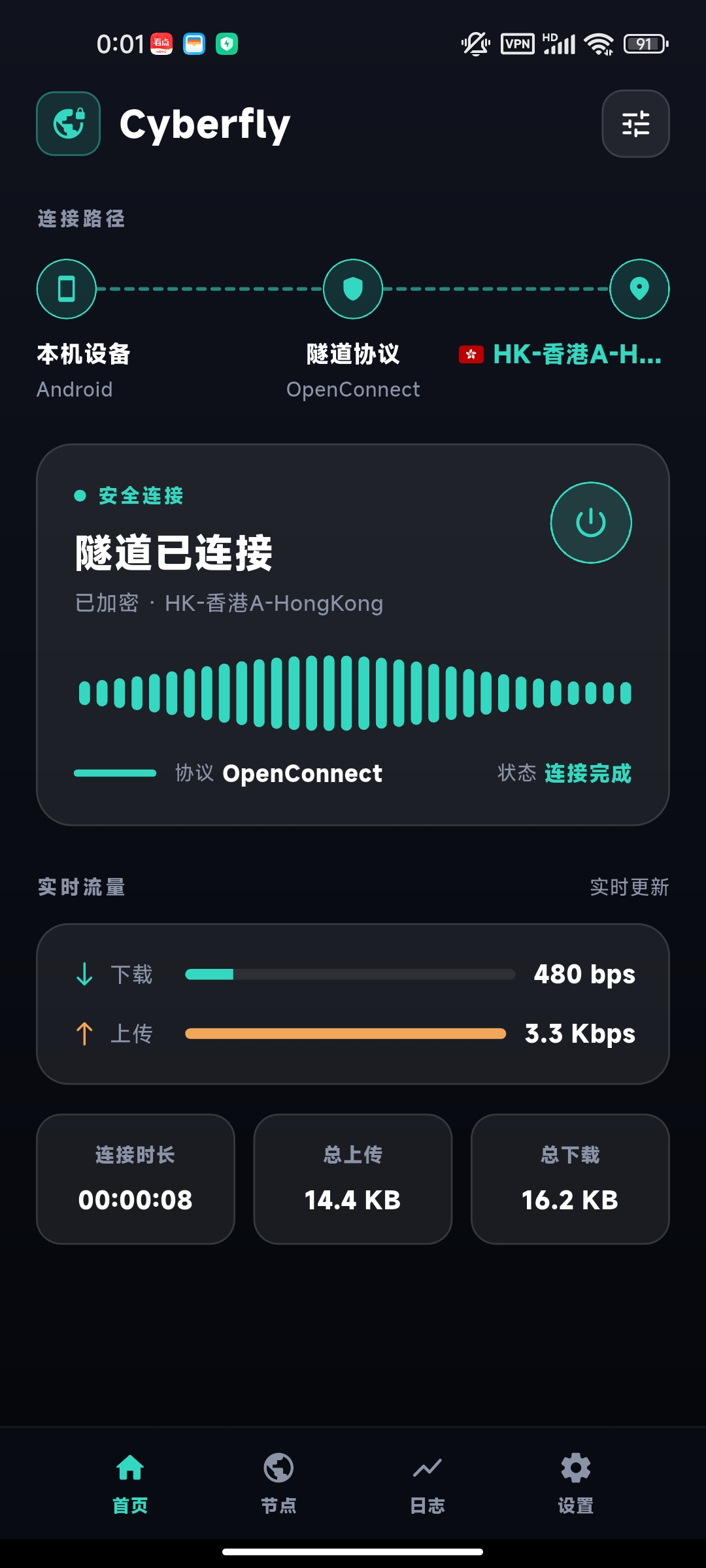
When the status shows "Tunnel connected", you are all set. To switch regions, tap "Nodes" in the bottom bar, select any node, then it will reconnect soon: