


NODE UPDATE
How to Refresh the Node List
No reinstall · connect once to refresh
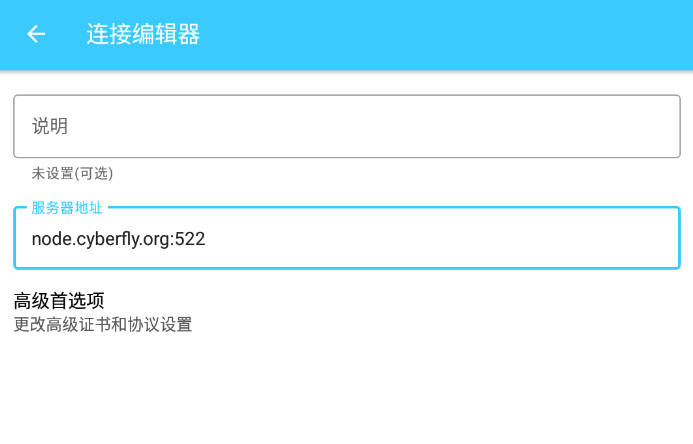
1Mobile (Android example; iOS similar)
You do not need to reinstall the app.
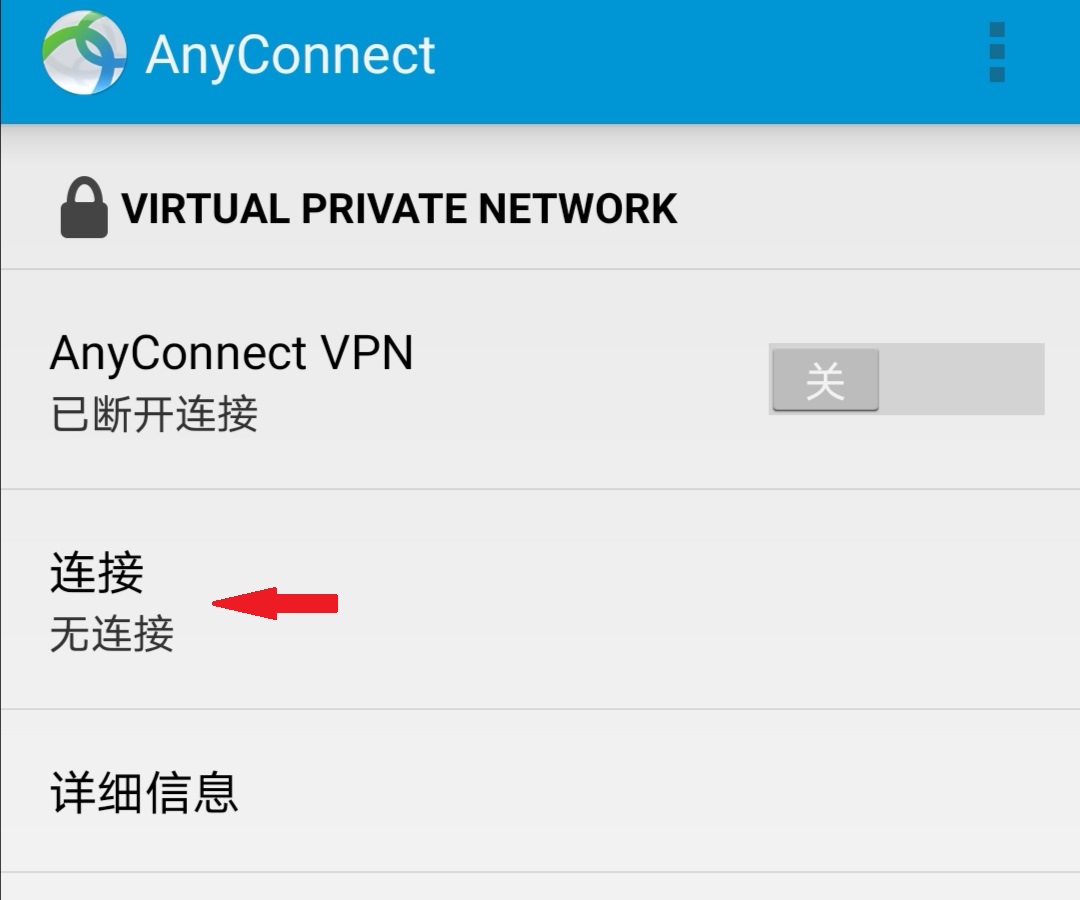
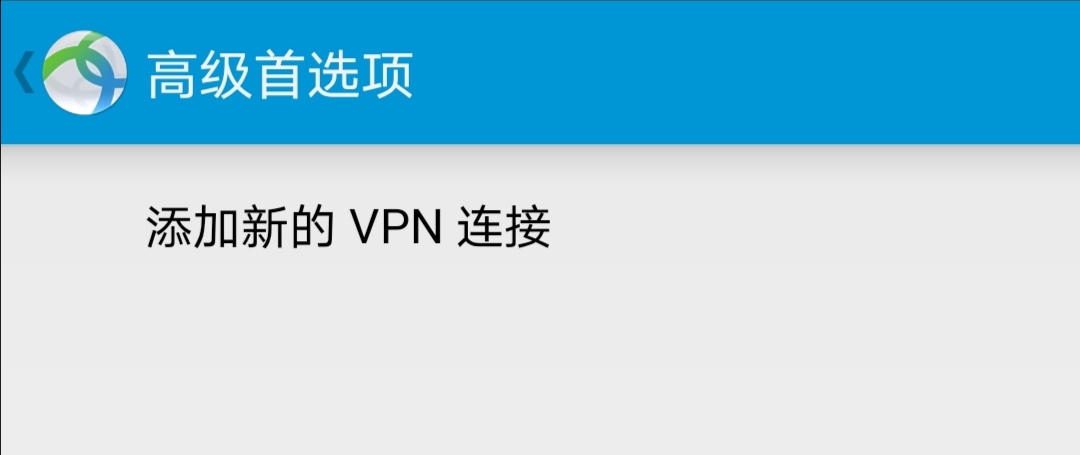
Enter zz01.cyberfly.org:522 and save, then connect once to refresh the list.
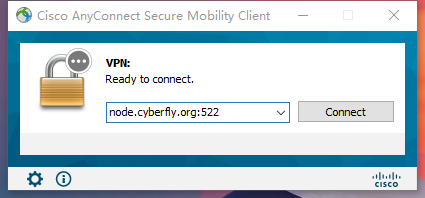
2Desktop (Windows example; macOS similar)
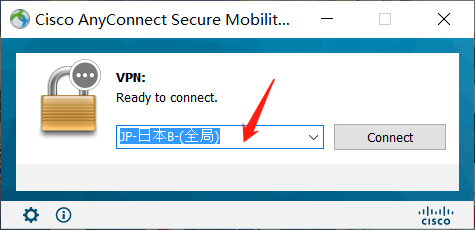
Highlight the server field, enter zz01.cyberfly.org:522, connect with email + AnyConnect password → Accept.
Tips
✔ No reinstall needed
✔ Port :522 required
✔ One successful connect refreshes the list
✔ Open a ticket if it still fails