


ANDROID CLIENT
CyberFly Android Tutorial
Download · import profile · ~3 minutes
1Download
AnyConnect / Secure Client APK
Grant all permissions after install
⬇ Download APK
More builds? download.cyberfly.org
⚠️ Grant all permissions or the app may not work.
2Configure (recommended)
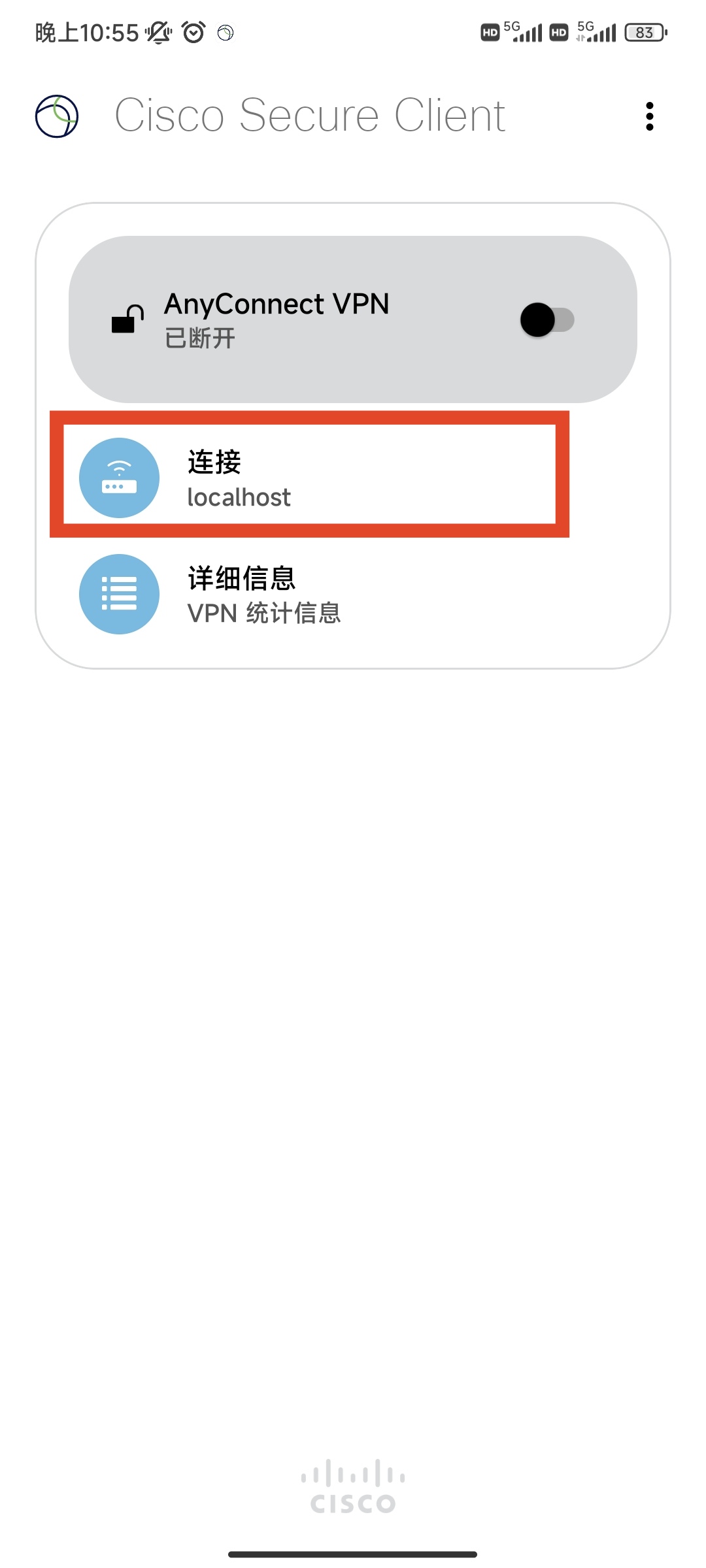
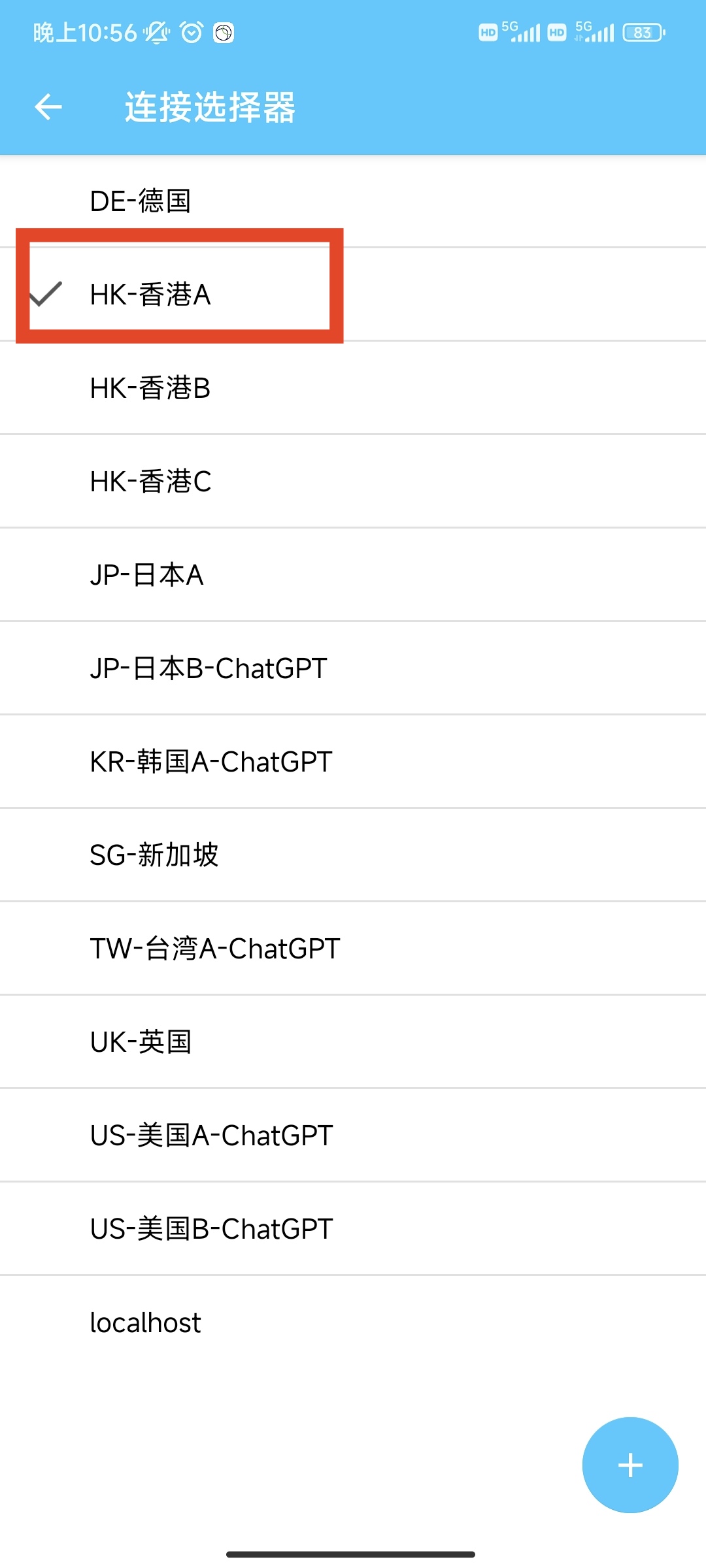
① Add node with server localhost:
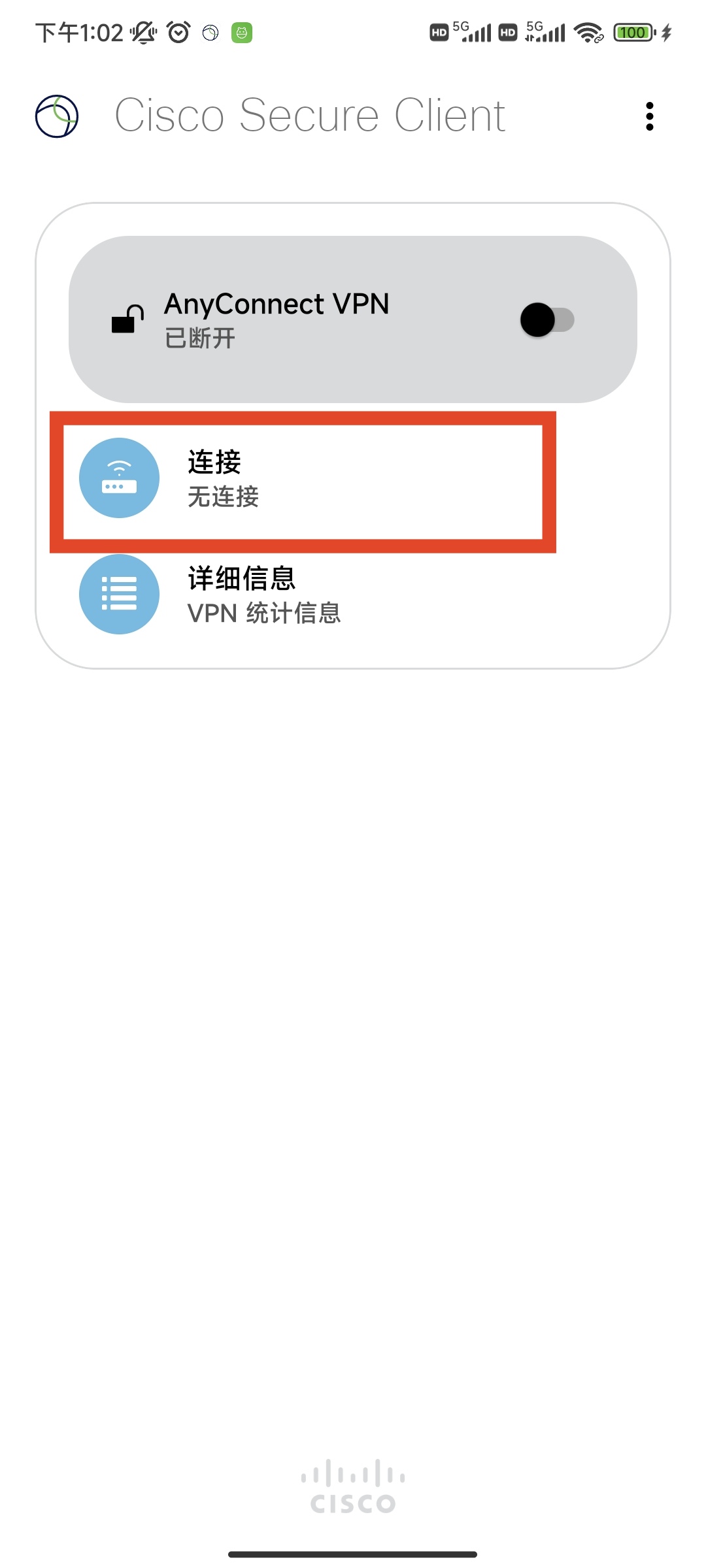
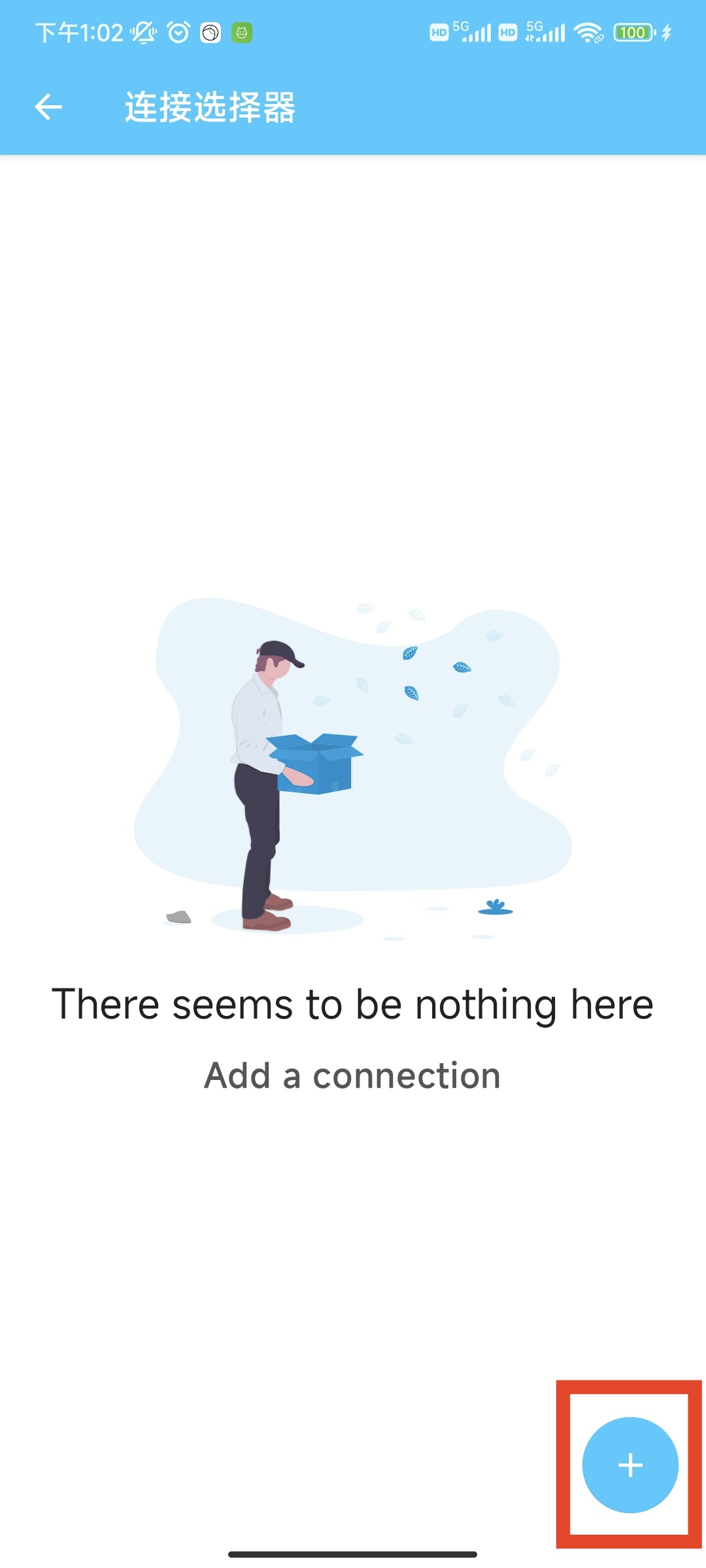
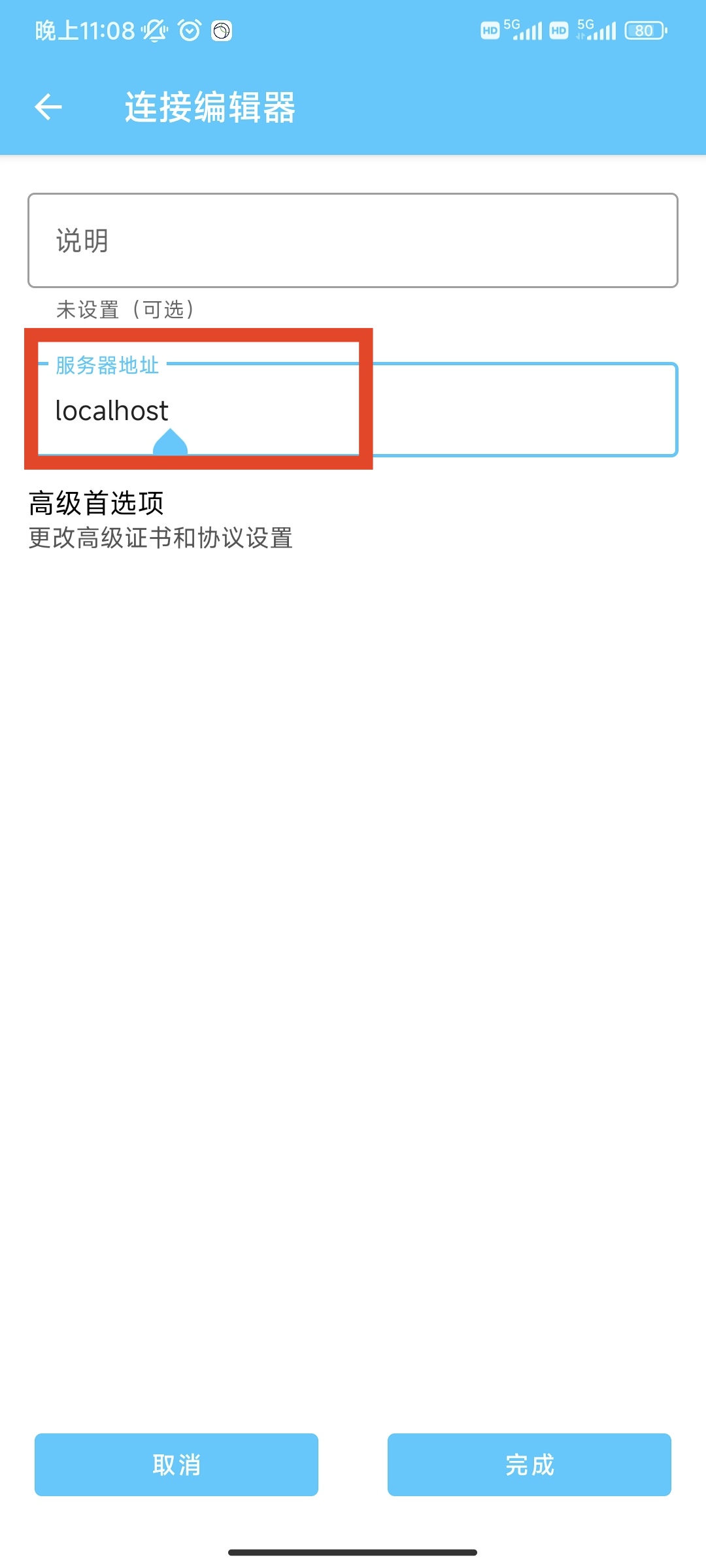
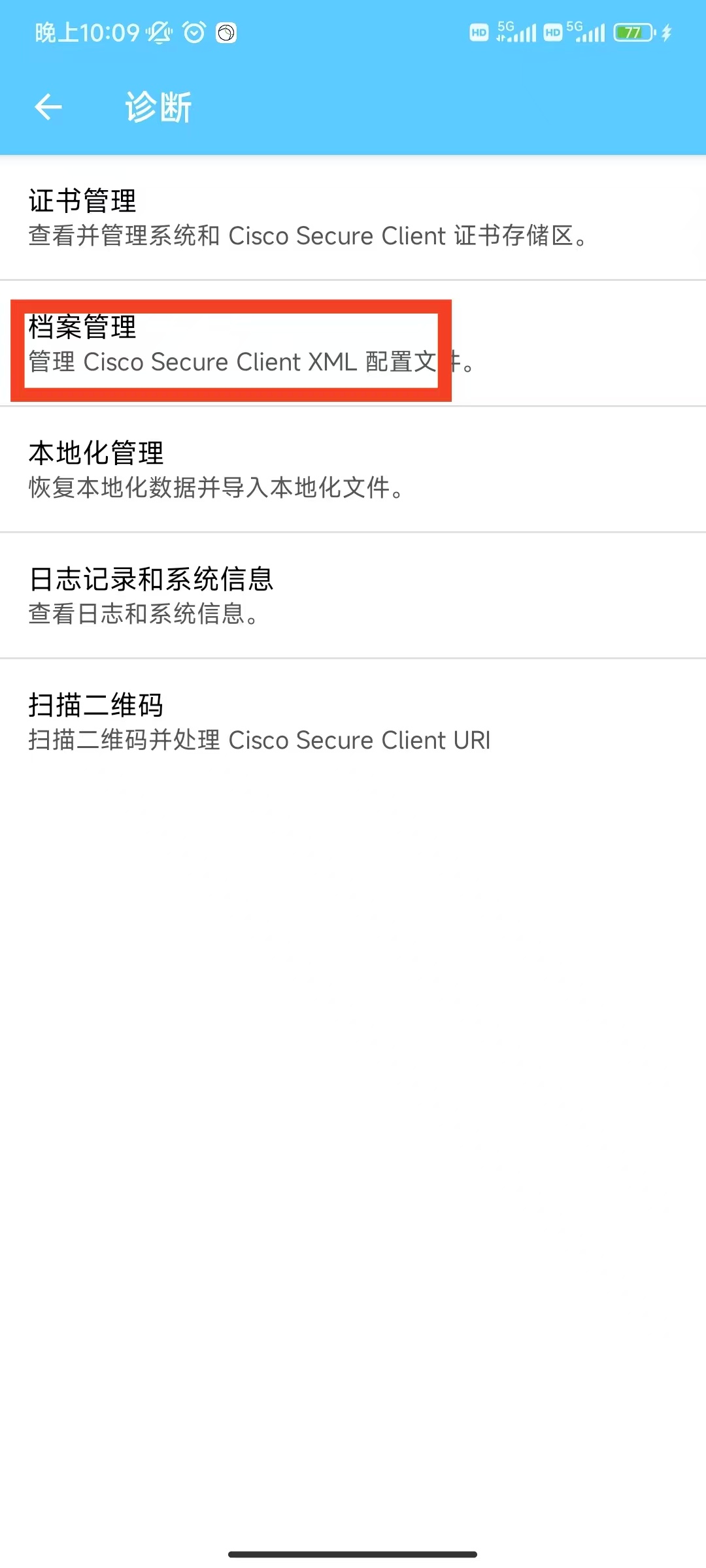
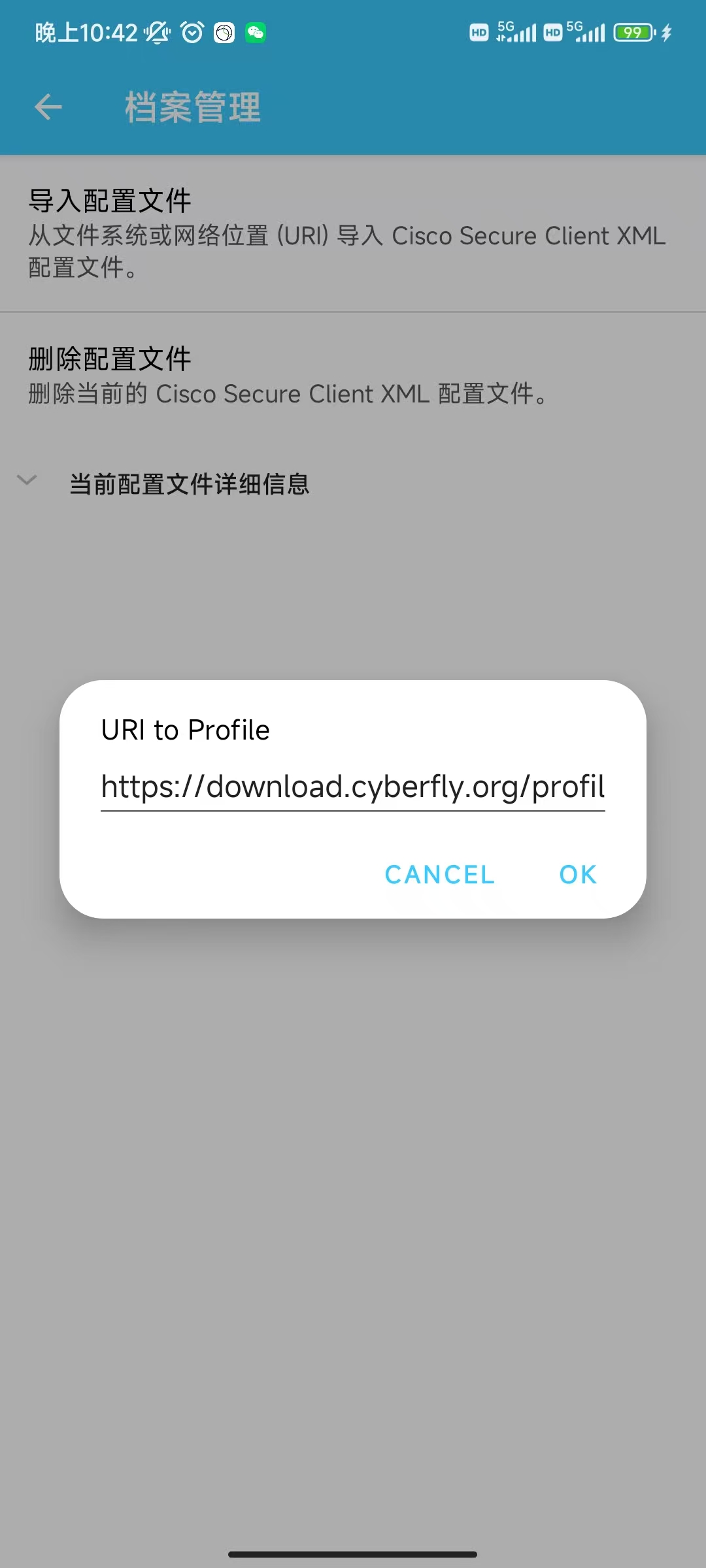
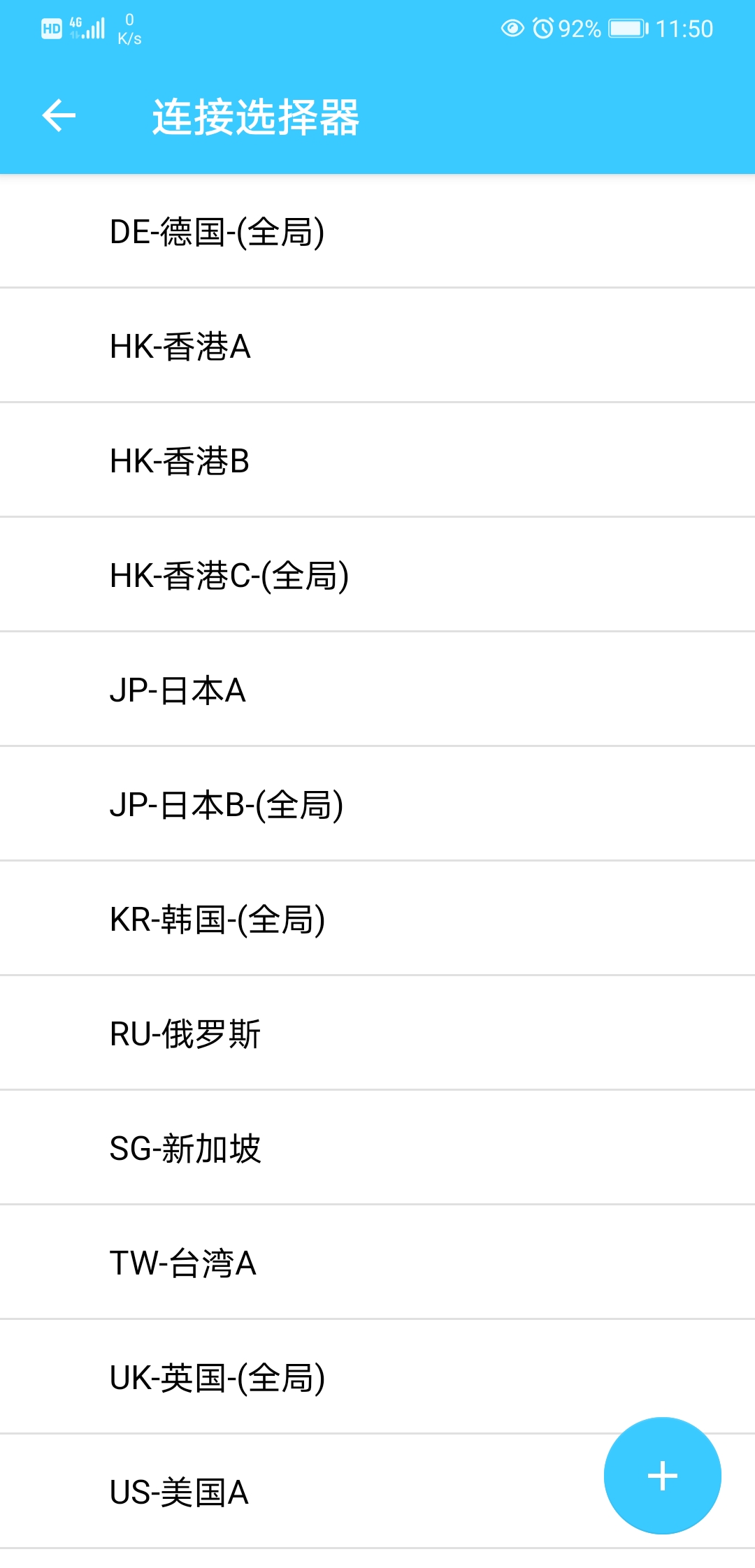
② Menu → Diagnostics → Profile Management → Import → URL:
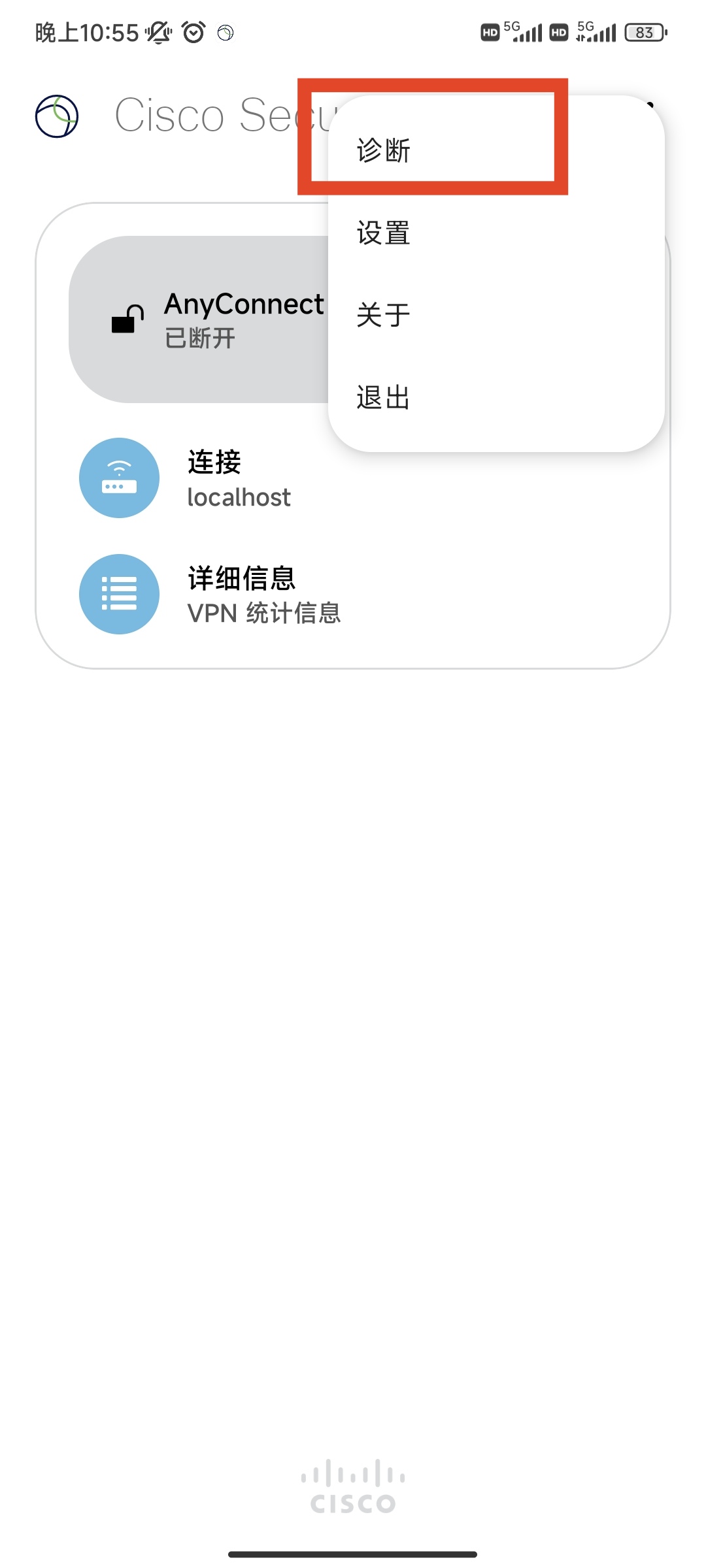
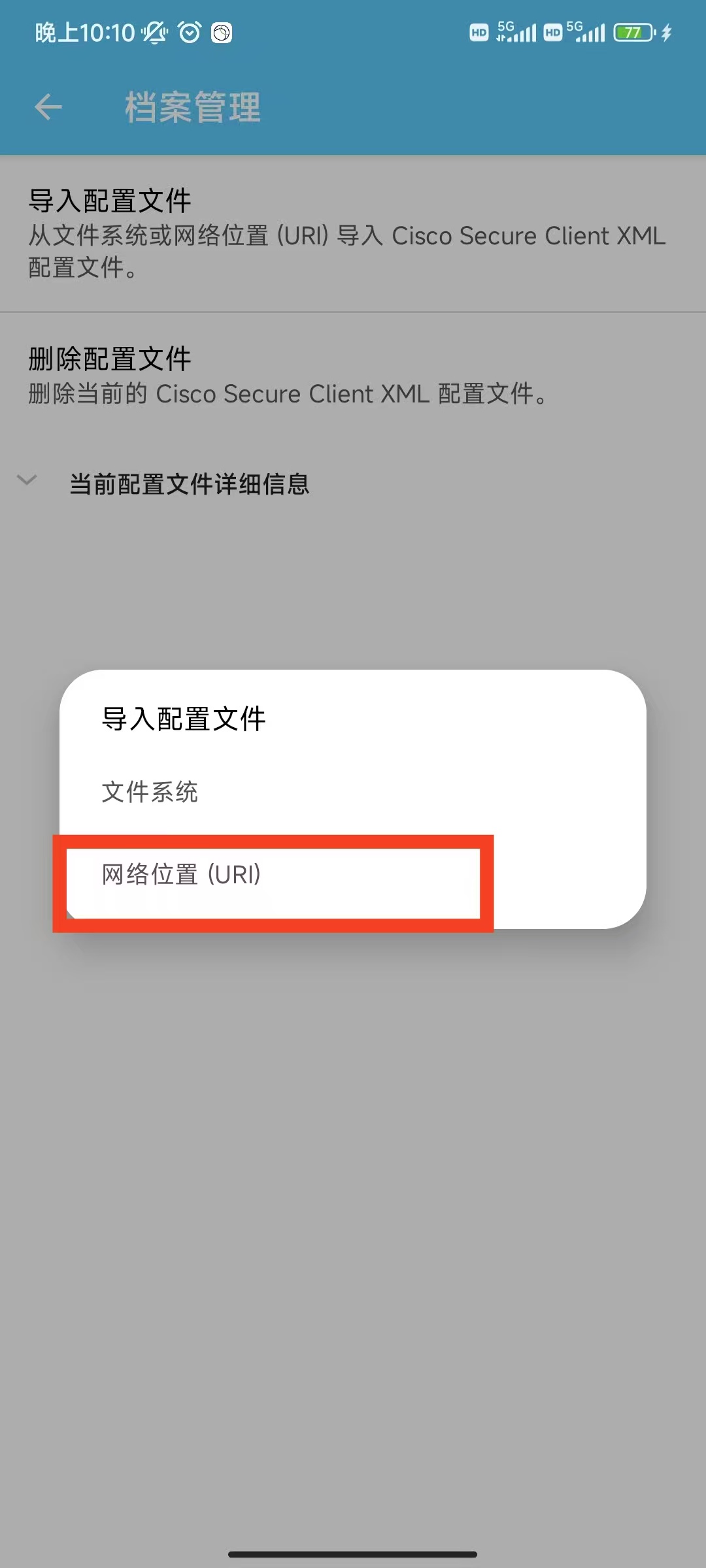
https://download.cyberfly.org/profile.xml
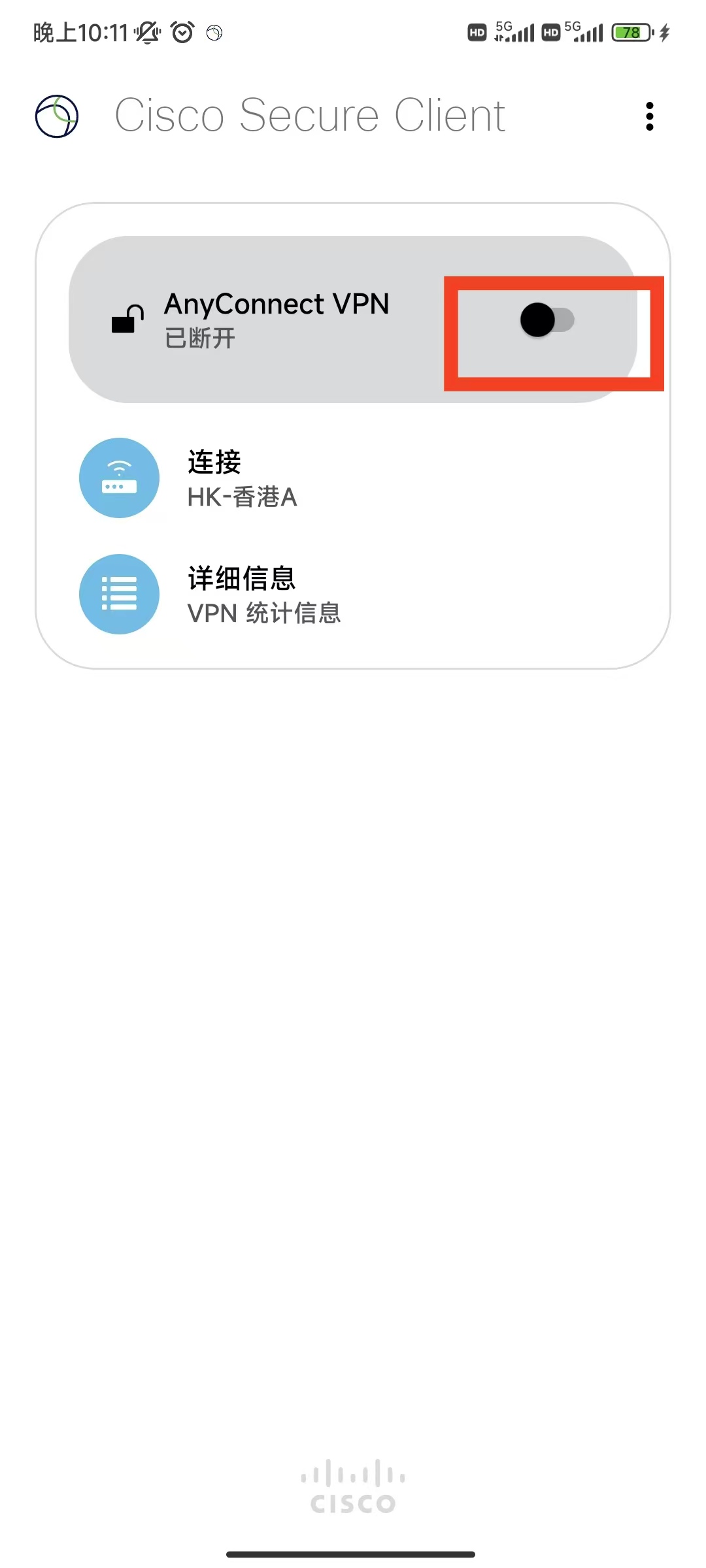
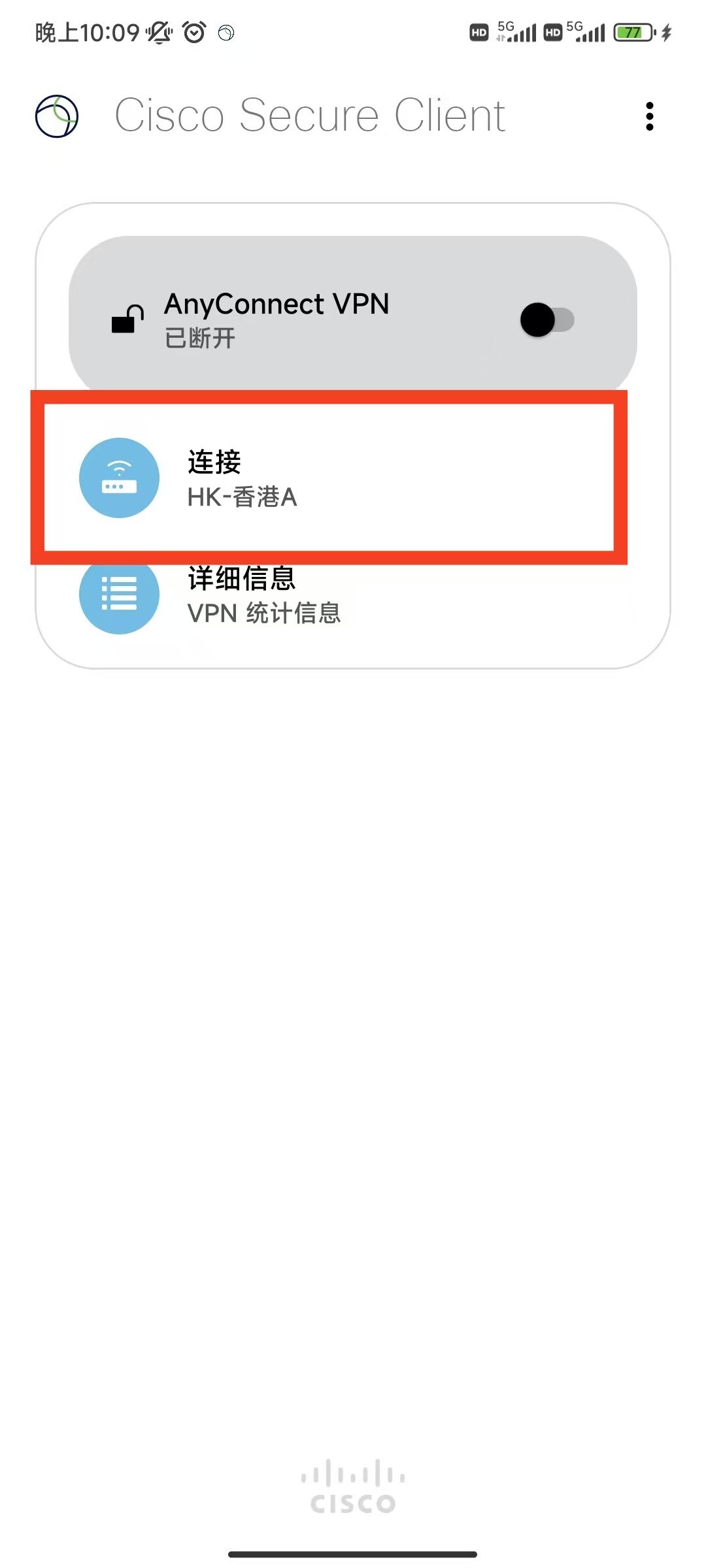
3Connect
4Fallback
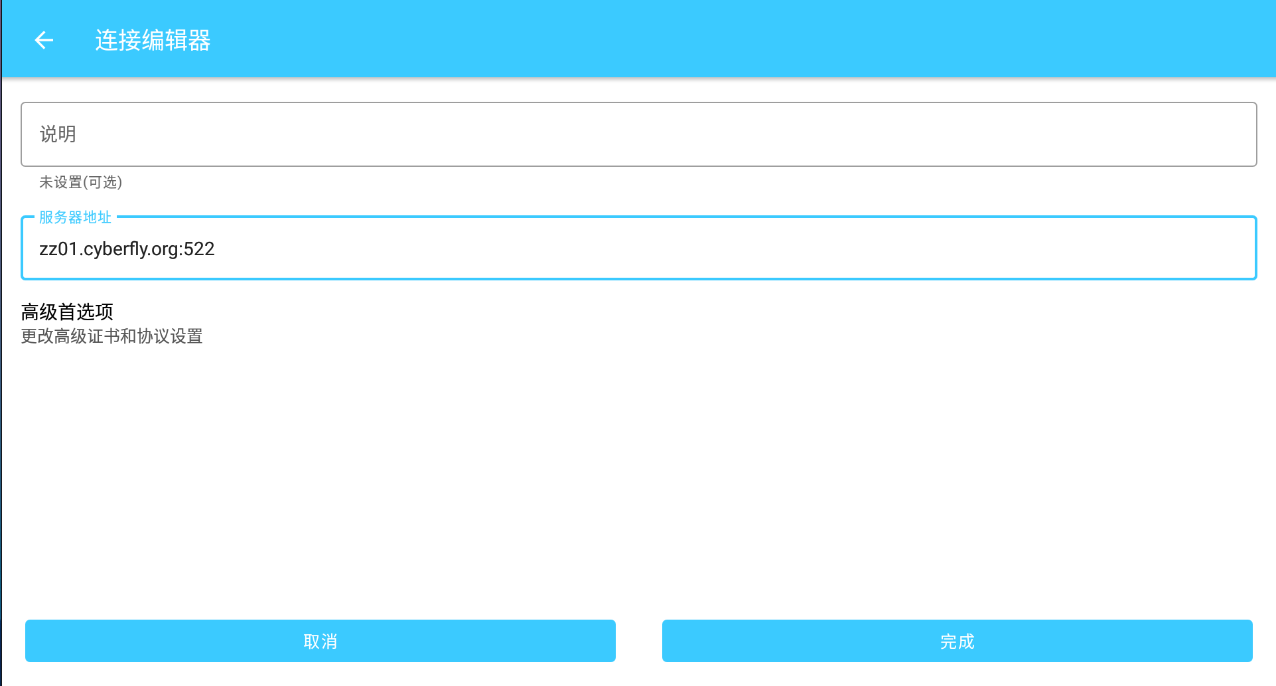
Manual server zz01.cyberfly.org:522 → connect → Accept.
Tips
✔ Grant all permissions
✔ Prefer profile.xml
✔ Host zz01.cyberfly.org:522
✔ HarmonyOS 5.0+ has a dedicated guide